
Chrome extension for Twitch
Know when they go live.
Nowtify keeps an eye on the Twitch channels you care about and sends a desktop notification when one of them starts streaming. No account to create, no server in the middle.
Also installs on Edge, Brave and Vivaldi.

0:27
The tour in 27 seconds
Notification, search, mute, theme: everything Nowtify does, with sound.
Real streamers shown as examples, with no link to Nowtify. Legal notice
01
What it does while you do something else
The popup is only the part you see. The real work happens in a background worker that talks straight to Twitch.
- Every 5 minutes
- It asks Twitch who is live among your channels, up to 100 of them per request.
- Every minute
- While someone on your list is live, checks speed up so the next one doesn't slip by.
- One click
- Click the notification or its Watch button to open the stream, or pause the streamer until tomorrow right from it.
02
The rest of the popup
Small things that make a long list easier to live with.
team/karminecorp
Whole teams
Type team/ followed by a Twitch team name to add every member at once, or import the channels you already follow on Twitch from the settings.
1 h / tomorrow
Snooze one channel
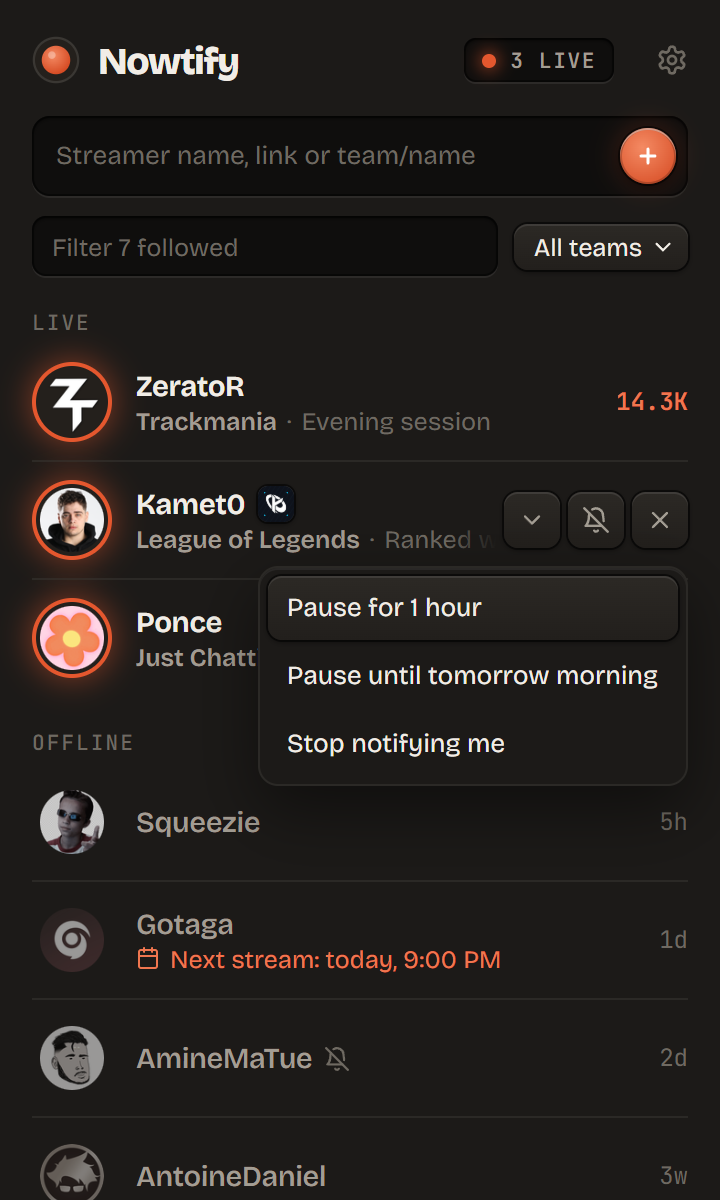
Mute a streamer for an hour, until tomorrow morning or for good, without removing them. A whole team can be muted from the settings.
next: tomorrow, 8:00 PM
Next scheduled stream
Offline channels show their next stream when it's set in their Twitch schedule.
8 712 viewers
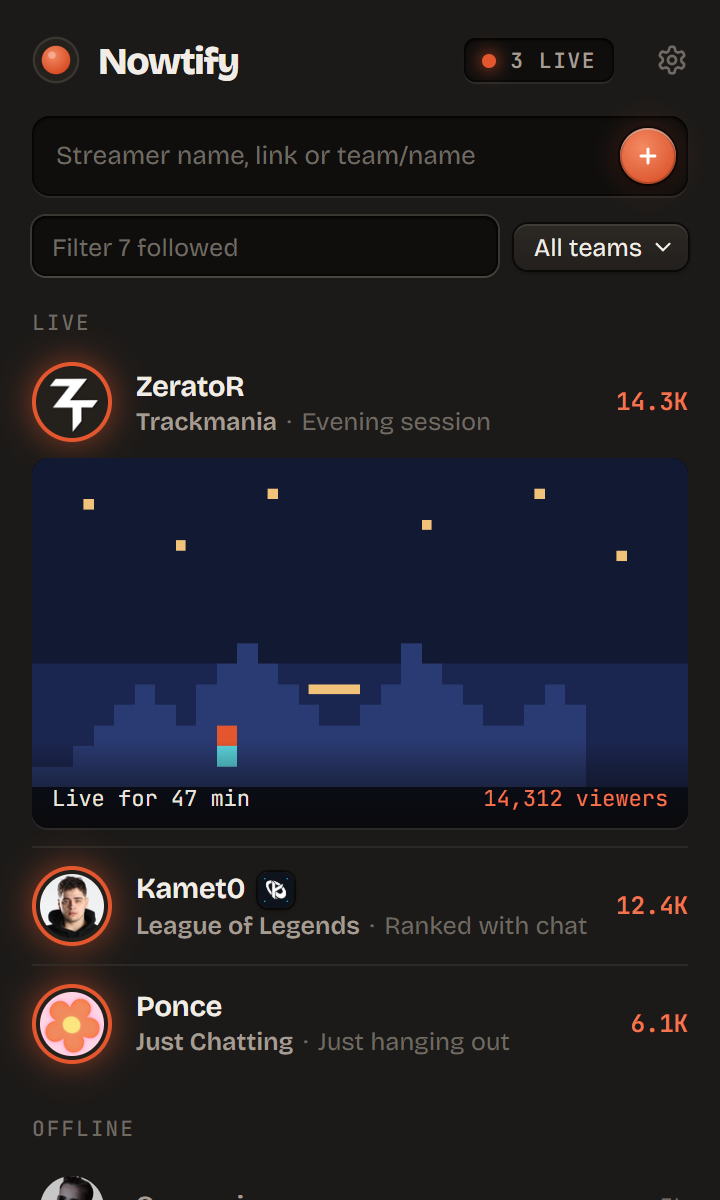
Live preview
Unfold a live streamer to see the thumbnail, how long they have been live and the exact viewer count.
auto / dark / light
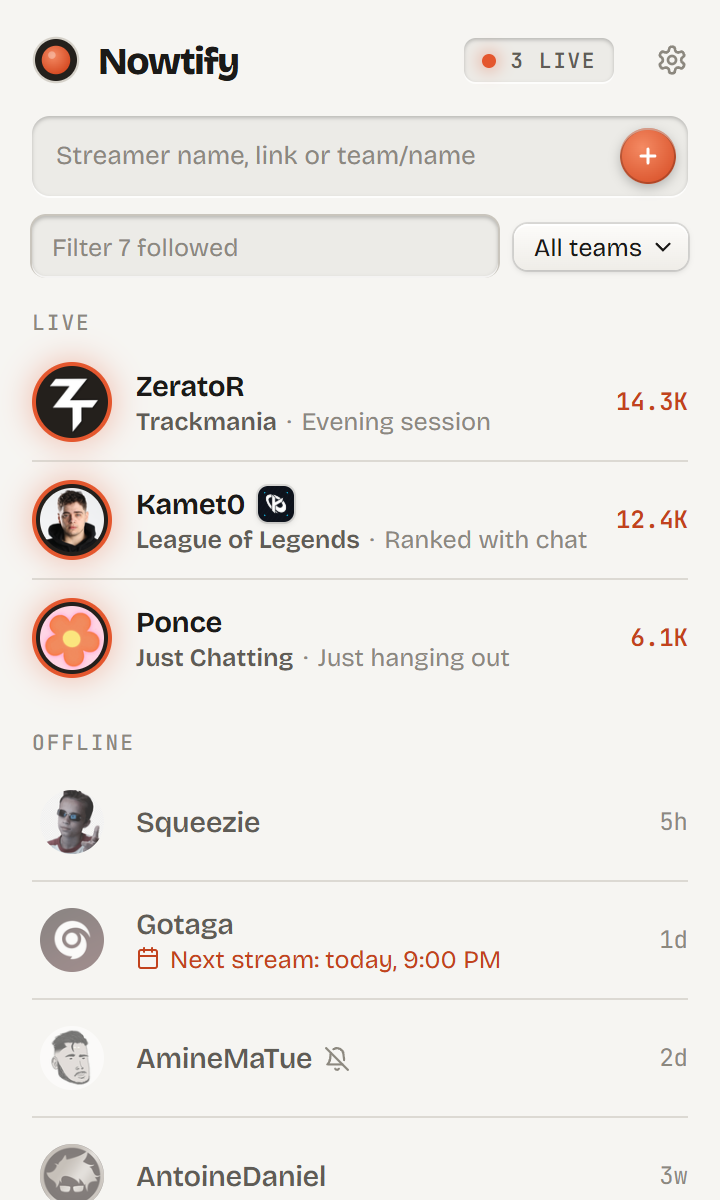
Light or dark
Follows the Chrome theme by default, or pick one in the settings.
backup.json
History, stats and backup
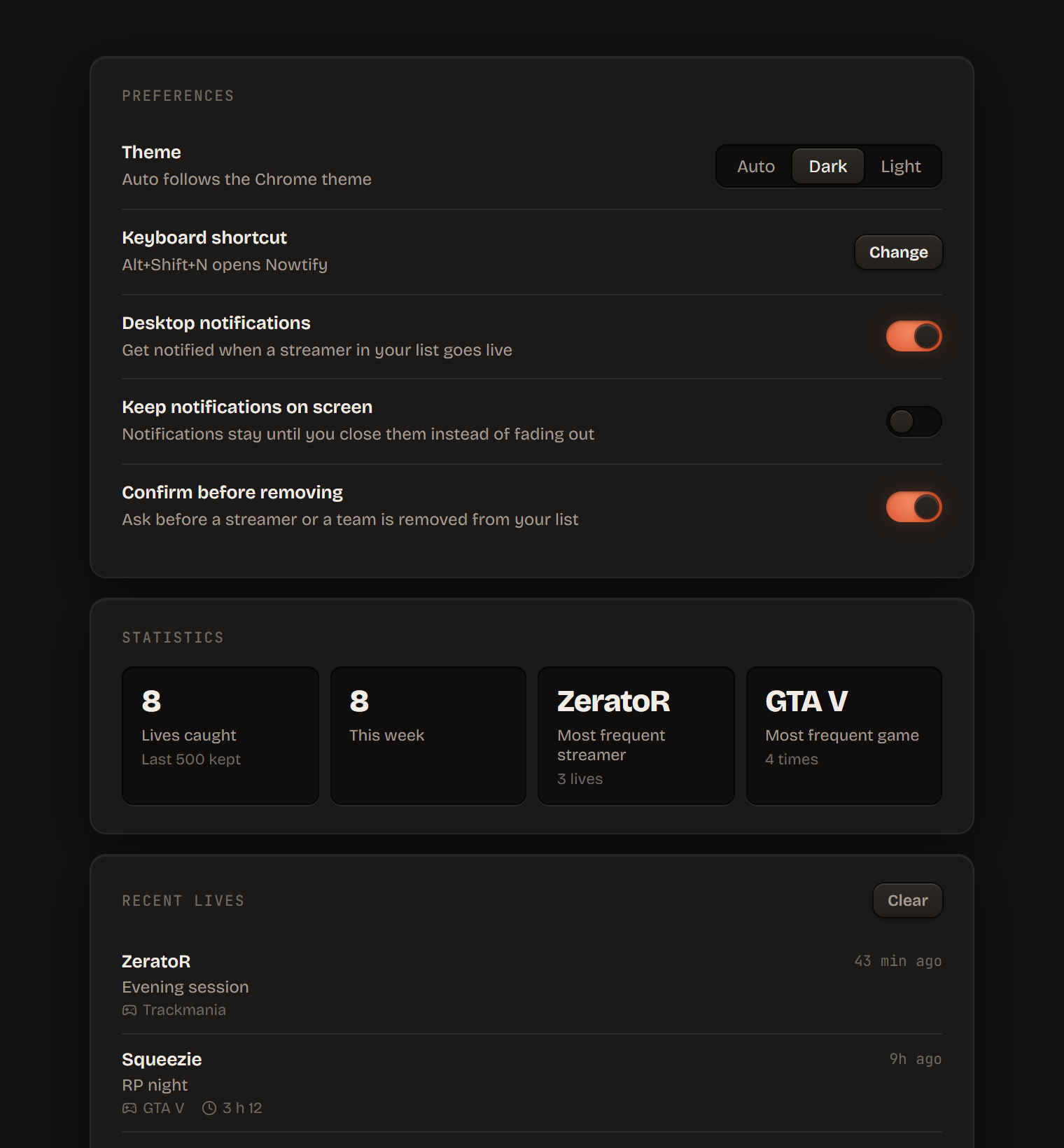
Every live Nowtify catches is logged with its duration, and the settings page sums it up. Export everything to a file to move to another browser.
03
Your data stays in your browser
Your list, history and settings are stored by Chrome on your machine. The only requests go to Twitch, to log in and to ask who is live. No analytics, no tracker, and even the fonts on this page are served from this site.
04
Questions people ask
Why does it need my Twitch account?
Twitch refuses API requests without a token, even for public data. By default Nowtify asks for no permission on your account: the token can only read what anyone can already see on Twitch. The only exception is the optional follows import, which asks to read the list of channels you follow.
How long before the notification shows up?
Nowtify checks every 5 minutes, and every minute once someone on your list is live. Expect the notification within 5 minutes of the stream starting.
Does it work when Chrome is closed?
No, Chrome has to be open. A minimized window is enough.
Firefox or Safari?
Not for now. Edge, Brave and Vivaldi can install it straight from the Chrome Web Store.
Is it really free?
Yes, and the code is on GitHub under the MIT license. If you want to chip in, there's a Ko-fi.
05
A bug, an idea?
Something broken or missing? Say so, that's how Nowtify gets better.